

What is an Event?
An event is any action a user takes on your website that you want to track. Think of events as the moments that matter in your customer journey.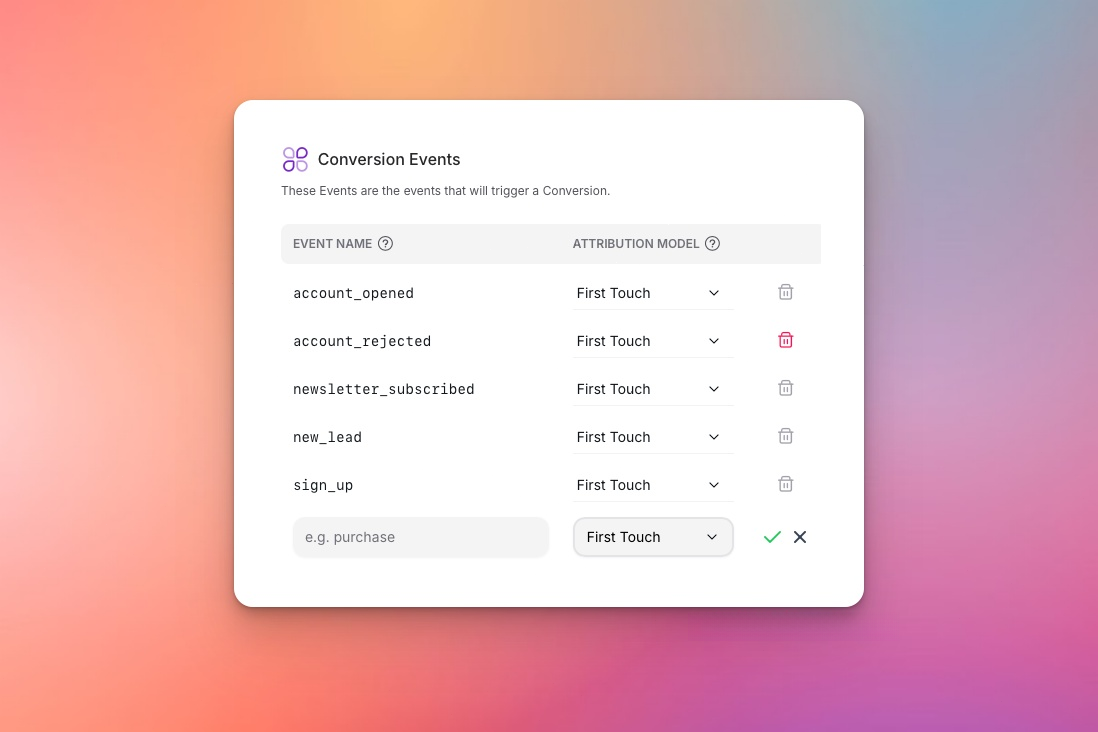
Some events can be configured as Conversions
Examples of Events
- E-commerce
- B2B
- Media
- View Product - User looks at a product page
- Add to Cart - User adds item to shopping cart
- Purchase - User completes checkout
- Sign Up - User creates an account
How Events Work
Events flow through OneView’s processing pipeline:OneView automatically processes all events through its pipeline, ensuring accurate tracking, compliance, and delivery without manual configuration.
Event Types
Conversion Events are events you configure as conversions in your workspace. These are sent to advertising platforms via Conversion API for campaign optimization. Learn more about Conversions.
Common Questions
How many events should I track?
How many events should I track?
Start with 3-5 key events:
- Your main conversion (Purchase/Signup)
- One mid-funnel action (AddToCart/Trial)
- One top-funnel action (ViewContent)
What if users do multiple events?
What if users do multiple events?
That’s normal and good! The customer journey includes multiple events:ViewContent → AddToCart → PurchaseEach event helps platforms understand user behavior. OneView’s Identity Resolution connects these events to the same user across devices and sessions.
Do pageviews count as events?
Do pageviews count as events?
Yes. But you cannot create Conversions out of pageviews. Page views help OneView build your Identity Graph and track user journeys, but only specific events can be configured as conversions.
What happens if the same event is sent twice?
What happens if the same event is sent twice?
OneView’s Deduplication system automatically prevents duplicate events from being processed using idempotency keys. The same event with the same idempotency key is processed only once.
Next Steps
Conversions
Learn about conversion events and how OneView processes them.
Sending Events
Start tracking your events with OneView.